Linux commands for a security check.
When you sit down at a Linux box and want to know "is anything wrong here?", these are the commands that answer it. Grouped by the question they address.
This is the companion reference to Linux fundamentals: a triage cheat sheet for looking at a Linux system and quickly forming a picture of who is on it, what it is doing on the network, what recently changed, and where the dangerous permissions are. Everything here is read-oriented and safe to run on a machine you administer.
Who is here, and who has been
Start with the accounts and sessions:
| Command | What it tells you |
|---|---|
who / w | Who is logged in right now, and what they are doing. |
last | Recent login history, including reboots — spot logins at odd hours. |
lastb | Failed login attempts. A long list is a brute-force signature. |
cat /etc/passwd | Every account on the system. Look for unexpected UID 0 (root-equivalent) users. |
What is talking on the network
A machine’s open sockets tell you what it exposes and what it is connecting to:
| Command | What it tells you |
|---|---|
ss -tulpn | Listening TCP/UDP ports and the process behind each. The modern replacement for netstat. |
ss -tp | Established connections with their owning process — spot a shell phoning home. |
ip a | Interfaces and addresses. Confirm you are on the network you think you are. |
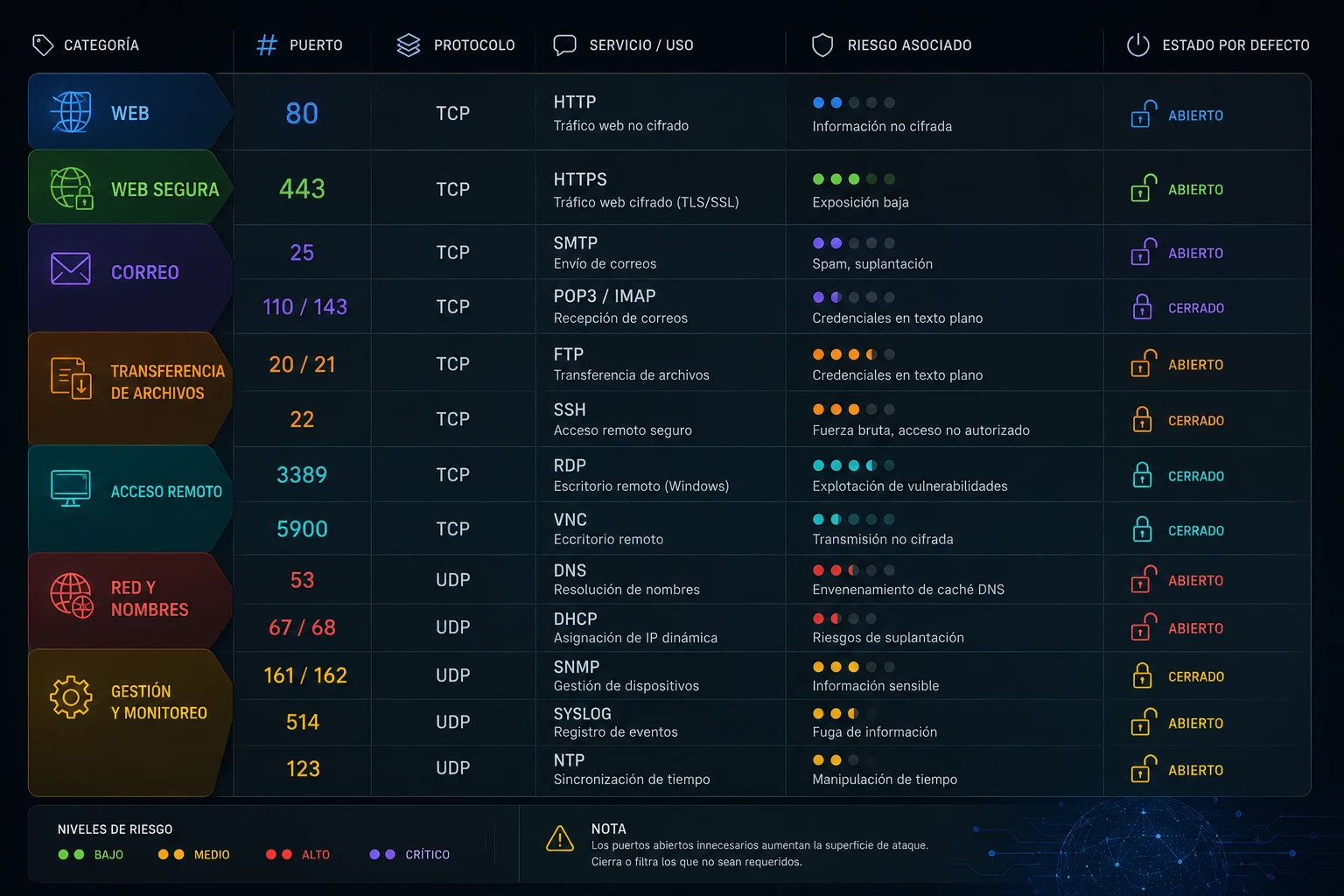
Cross-reference what ss -tulpn shows against the common ports cheat sheet: a listener on a port you do not recognise is the thread to pull.
What changed, and when
| Command | What it tells you |
|---|---|
journalctl -p err -b | Errors since last boot from the systemd journal — a fast health read. |
journalctl _COMM=sshd | Everything sshd logged — the auth trail for remote access. |
find / -mtime -1 -type f 2>/dev/null | Files modified in the last day. Noisy, but reveals recent activity. |
systemctl list-units --state=running | Running services. Look for anything you did not expect to be on. |
Where the risky permissions are
Misconfigured permissions are one of the most common real-world weaknesses. Two checks catch a lot:
| Command | What it finds |
|---|---|
find / -perm -4000 -type f 2>/dev/null | SUID binaries — programs that run as their owner (often root). A short, known list is fine; surprises are worth investigating. |
find / -perm -0002 -type f 2>/dev/null | World-writable files — anyone can modify them. Rarely intended for anything sensitive. |
sudo -l | What the current user can run via sudo. Overly broad sudo rights are a privilege-escalation path. |
Putting it together
A quick triage pass, in order: check who is on the box (w, last), then what it exposes (ss -tulpn), then what changed (journalctl, find -mtime), then where privilege could be abused (SUID, sudo). None of these change anything — they let you form a picture before you touch anything.
Why read-only order matters
Every command above only reads state — none of them change the system. That is deliberate, and it is a discipline worth keeping even when you are sure you know what is wrong. If a box is genuinely compromised, the first thing you want is an accurate picture, captured before you disturb anything. Jumping straight to "kill that process" or "delete that file" destroys the evidence that would tell you how it got there — and, often, whether it is anywhere else too.
This is the same logic as the containment step in an incident-response checklist: isolate and observe before you eradicate. A triage pass is you building that observation quickly. If something turns out to be a real incident, the notes you took while running these commands become the start of your timeline.
A caution on interpreting output
Two honest caveats. First, a SUID binary or a world-writable file is not automatically malicious — plenty are legitimate. The skill is not "find scary output", it is knowing the normal baseline for your systems well enough that the abnormal stands out. That baseline only comes from running these on healthy machines so you know what boring looks like.
Second, a truly compromised host can lie to you: if an attacker has replaced system binaries, ss or who may have been tampered with to hide their tracks. That is an advanced case, but it is why serious investigations pull evidence from outside the running system too. For everyday triage on machines you administer, these commands are exactly the right first look.
None of these commands are exotic; they are the everyday vocabulary of anyone who looks after Linux. Keeping them in one place turns "I should check this box over" from a vague intention into a five-minute routine you can actually run.